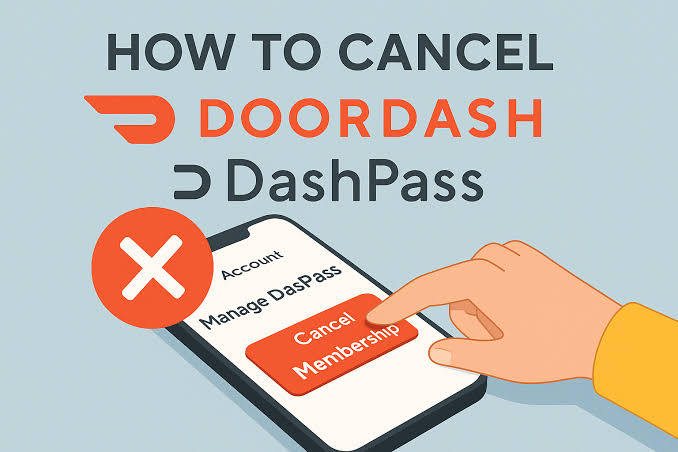
How to cancel DoorDash DashPass is a simple process that you can complete in less than two minutes directly through the mobile app or a desktop browser.
If you want to stop paying the monthly or annual subscription fee, managing your membership settings before your next billing cycle ensures you will not be charged again. Here is the exact process to end your membership quickly on any device.
How to Cancel DashPass on the DoorDash App (iOS & Android)
-
Open the DoorDash app on your smartphone.
-
Tap the Account icon located in the bottom right corner of the screen.
-
Scroll down and select Manage DashPass.
-
Tap End Subscription (or Cancel Membership).
-
Follow the on-screen prompts to confirm your cancellation.
How to Cancel DashPass on a Web Browser (Desktop/Laptop)
-
Go to DoorDash.com and log into your account.
-
Click the Account Menu (three horizontal lines) in the top left corner.
-
Select Manage DashPass.
-
Click End Subscription.
-
Confirm the cancellation on the confirmation pop-up screen.
Key Things to Know Before Canceling
-
Benefit Access: You retain your DashPass benefits ($0 delivery fees and reduced service fees) until the end of your current billing period.
-
Free Trial Cancellation: If you are canceling a free trial, cancel at least 24 hours before the trial period ends to avoid being charged the monthly subscription fee.
-
Rejoining: You can re-subscribe to DashPass at any time from your account settings if you decide to use the service again.